Apple IMEI lookup

iPhone IMEI Check

Check an iPhone IMEI before a used-phone purchase, repair intake or carrier support request. Confirm the device identity first, then review lock, warranty and ownership questions with the right provider.

IMEI CheckDevice LookupUsed Phone Guide
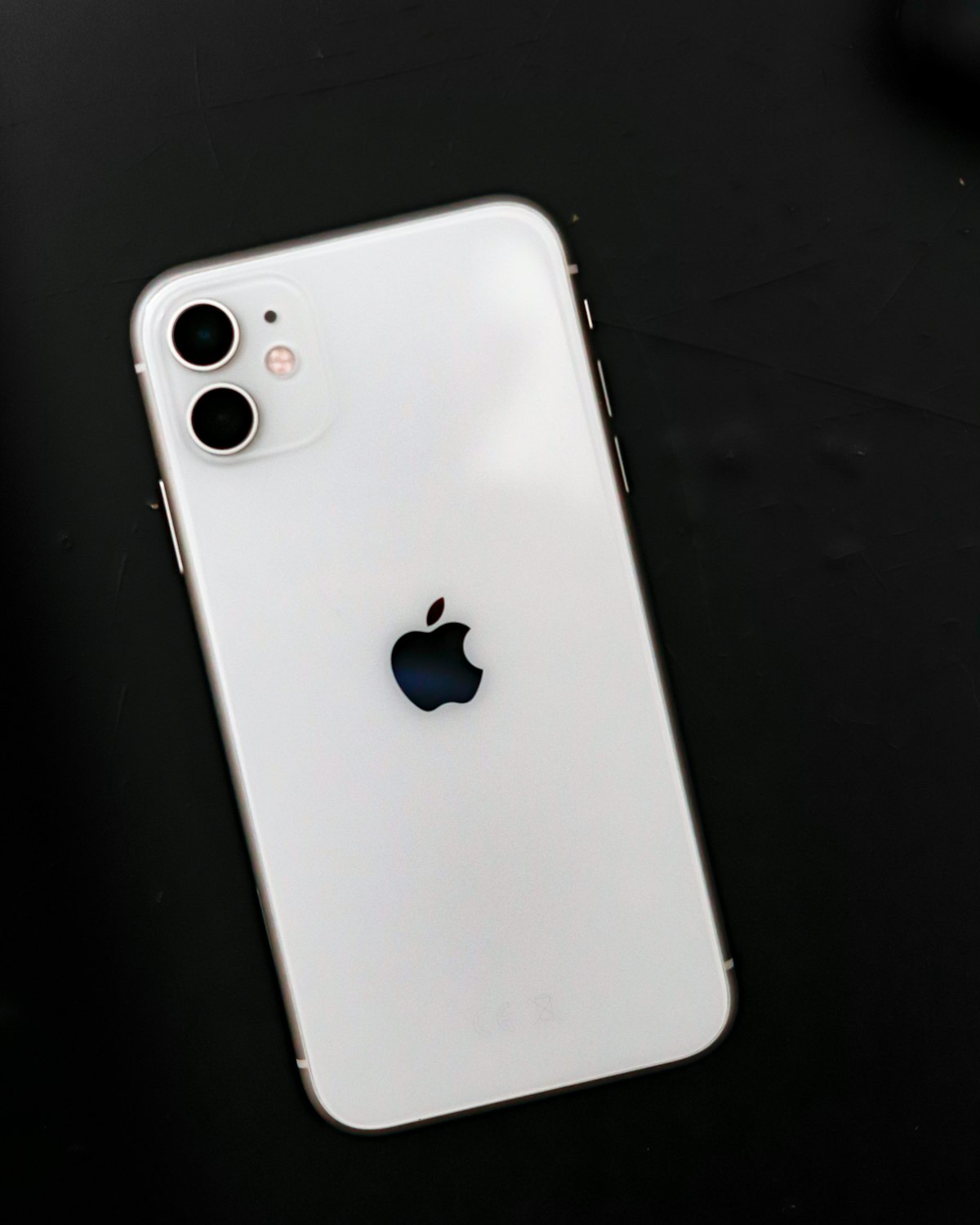
iPhone in hand while checking device identity information
Guide

Start with the exact iPhone identity

An iPhone listing can mention only the family name, such as iPhone 13 or iPhone 14, while the exact model and market variant matter for resale, support and carrier activation. An IMEI check gives you a cleaner identity baseline.

Guide

Use IMEI 1 on dual-SIM and eSIM models

Modern iPhones can show more than one IMEI. Record which number belongs to the active line or eSIM profile and keep the same number throughout the check.

Guide

Upcoming premium checks

Carrier lock, blacklist and iCloud-related services are planned for the platform. Until they are available, the page explains those checks educationally and points users toward careful verification.
Common questions

Where is the IMEI on iPhone?

Open Settings, then General, then About. You can also use *#06# or check the original box or SIM tray on supported models.

Can an IMEI prove an iPhone is safe to buy?

It is one important step, but not the whole inspection. Also check account lock status, carrier behavior, battery health, screen condition and seller documentation.